Tessera
Art wallpaper
A new masterpiece on your phone daily
Tessera turns your home and lock screen into a museum wall. A new art wallpaper arrives every day, from public-domain paintings in open access museum collections.
- No ads, no account
- Every work in the public domain
- Pro is a one-time purchase
Screens
Features
A real collection, framed for your screen
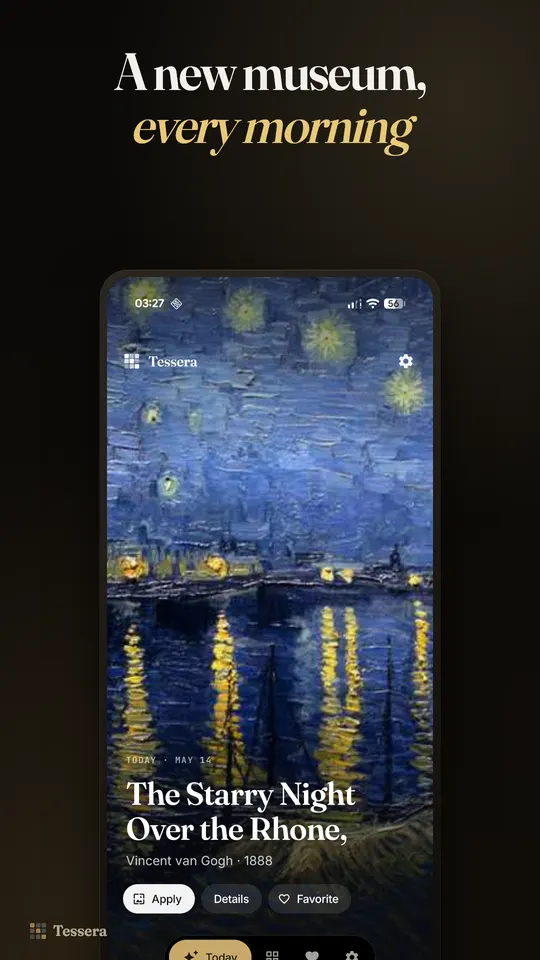
A new painting every day
Pick your schedule and a new painting arrives on its own, chosen from a curated collection of classical art.
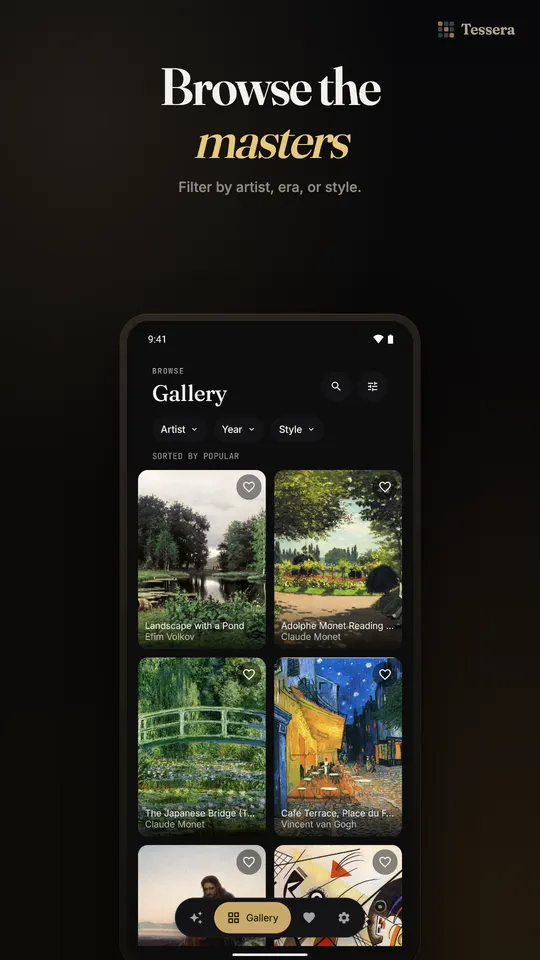
Browse the whole gallery
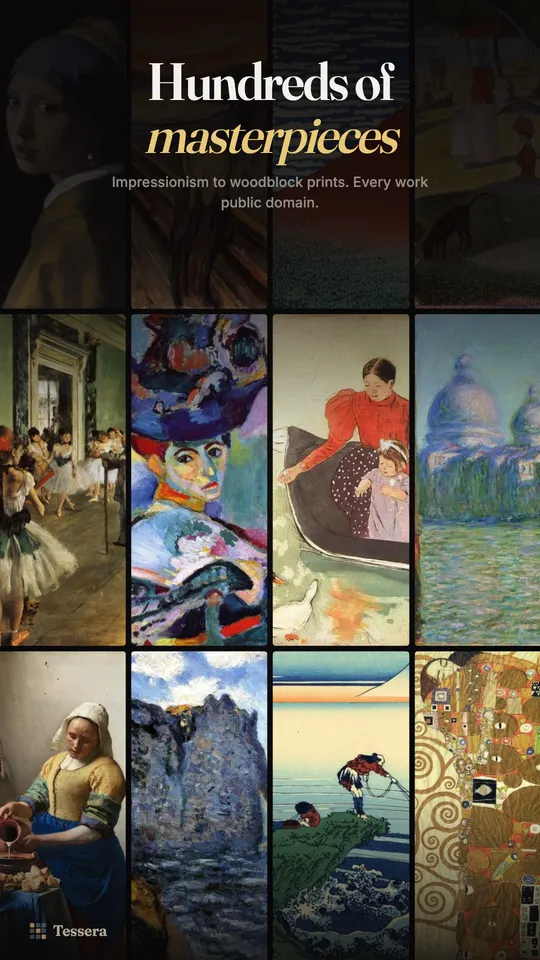
Filter by artist, era or style, from Impressionism and Baroque portraits to Japanese woodblock prints and Dutch Golden Age interiors.
Pixel perfect cropping
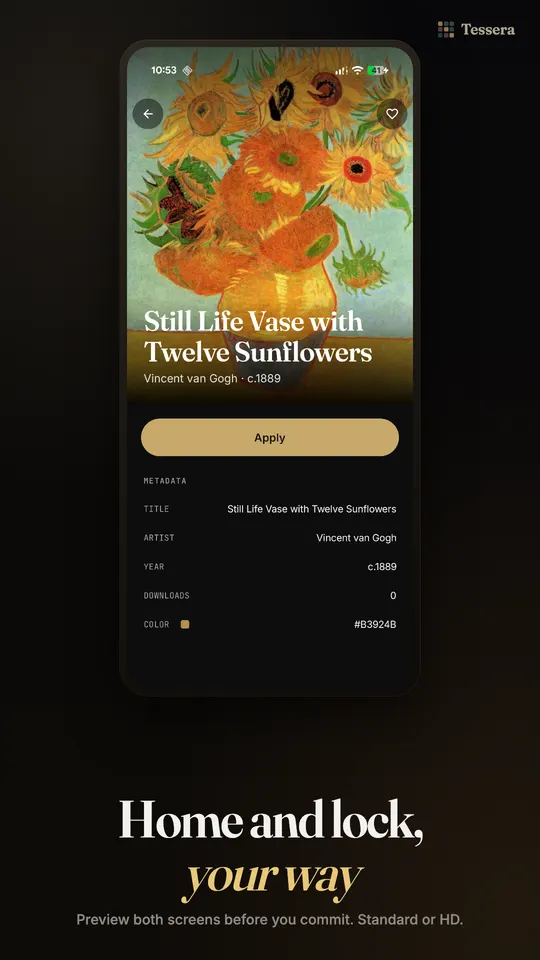
Pan and zoom each painting inside side by side Home and Lock previews. What you frame is exactly what lands on your screen.
Know what you are looking at
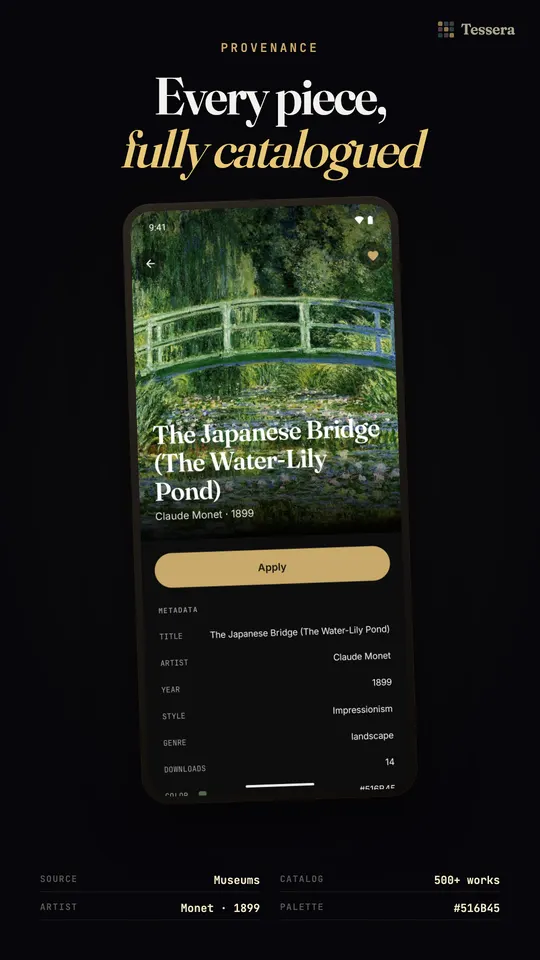
Every painting shows its artist, title, style, genre, medium and museum. Pro adds the story behind it from WikiArt and Wikipedia.
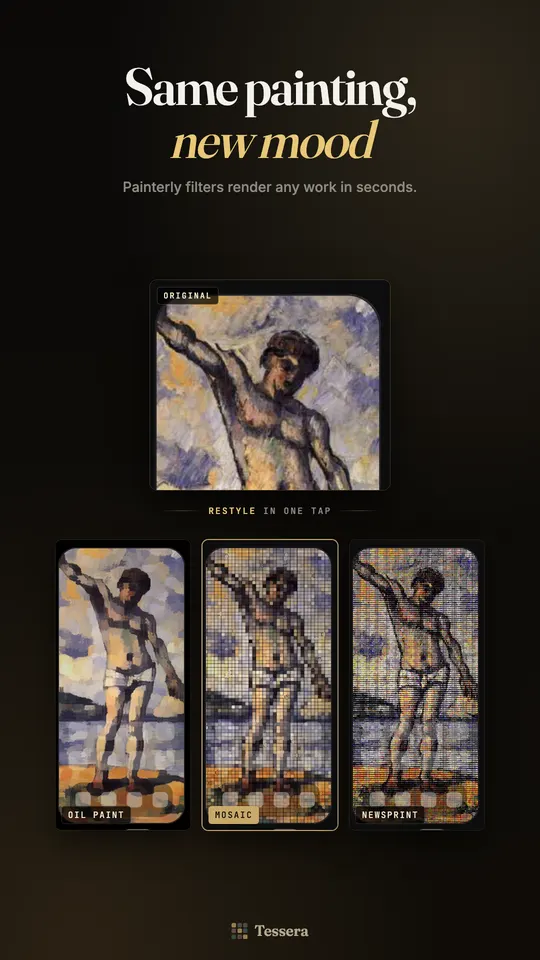
Painterly style filters
Oil paint, Mosaic, Posterize, Emboss, Newsprint and Page curl. They run on your phone's GPU and preview live on the real painting.
Colour grades
Black and white, Sepia, Muted, Cool and Warm, to set the mood of a painting without losing its character.
HD masters
Higher resolution versions at your screen's native pixel density, for crisp detail on large, sharp displays.
Favourites and library
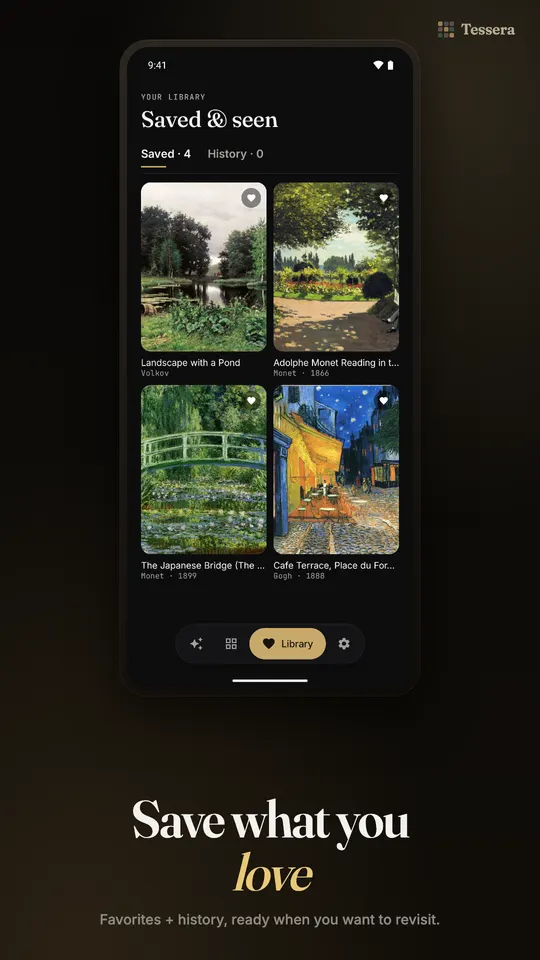
Keep favourites, look back through your history, and reapply any painting you have used with one tap.
Light on your phone
No background service animates your screen. Paintings are fetched when you ask, cached, and work offline once they are on your phone.
How it works
- 1
Open Tessera and see today's painting.
- 2
Frame it for your home and lock screen, then tap Apply.
- 3
Pick a schedule and a new painting arrives on its own.
 Pro is a one-time purchase. No subscription, ever. One payment unlocks everything, including features added later.
Free and Pro
Pro is a one-time purchase. No subscription, ever. One payment unlocks everything, including features added later.
Free
- A new art wallpaper every day
- Wallpapers tuned to your exact screen size
- Browse the whole gallery by artist, era or style
- Style, genre, medium and museum of every painting
- Side by side Home and Lock preview with pinch to zoom
- Favourites, history and a library of every painting you used
- Automatic daily wallpaper changer
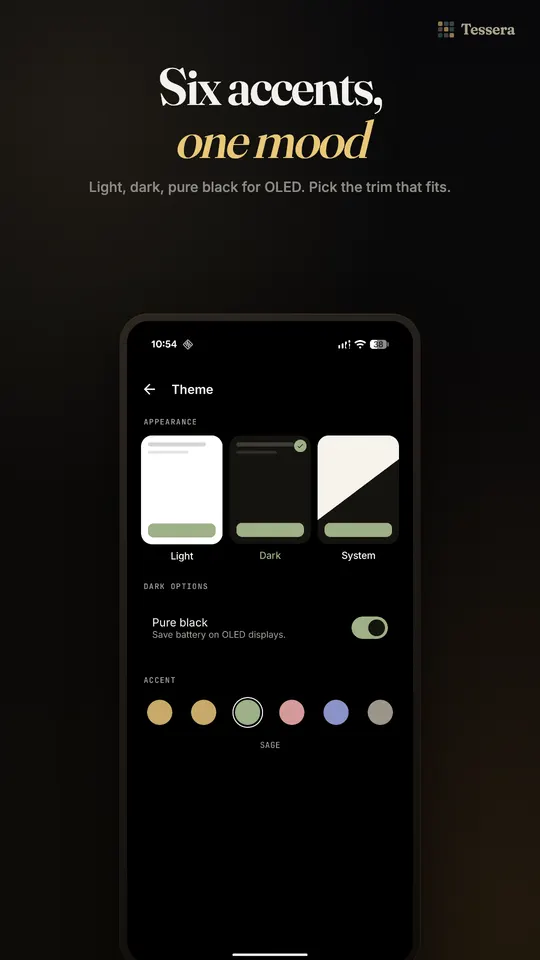
- Pure black AMOLED theme
- Works offline once a painting is on your phone
Pro
- HD masters at your screen's native pixel density
- The story behind each painting or its artist
- Six painterly style filters
- Five colour grades
- Unlimited favourites
- Custom rotation schedules, including hourly
- Separate crop for Home and Lock screens
What you need
- Android 8.0 or newer
- Internet to fetch new paintings
- Works offline once a painting is saved
Version 1.1.0 · Oct 25, 2026 · What's new
Questions
Tessera: questions
How do I set a painting as my wallpaper every day?
Install Tessera and turn on rotation. It picks a new painting from its curated collection and sets it on your home and lock screen on its own, once a day. You can frame each one first in side by side previews. Rotation runs as a scheduled job that respects your battery and Wi-Fi settings. Pro adds custom schedules, including hourly.
Is Tessera free?
Yes. The free version gives you a new art wallpaper every day, the full gallery with filters, the Home and Lock preview, favourites, history and the automatic daily changer. Pro is a one-time purchase with no subscription. It adds HD masters, the story behind each painting, six style filters, five colour grades, unlimited favourites, custom schedules and separate Home and Lock crops.
Where can I get a Van Gogh wallpaper for my phone?
Tessera has them. The Starry Night, Irises, Sunflowers and Almond Blossom are all in the collection, alongside Monet, Vermeer, Hokusai, Klimt, Cassatt and more than 200 other artists. Open the gallery, filter by artist, and frame the painting for your home or lock screen. Every work is in the public domain, from open access museum collections.
Are the paintings in Tessera free to use?
Yes. Every artwork in Tessera is in the public domain, sourced from museums' open access collections. The artist and title are shown for each painting. Tessera is an independent app and is not affiliated with or endorsed by any museum.
Does a daily wallpaper app drain the battery?
Tessera is built not to. It is not a live wallpaper and runs no background service to animate your screen. Paintings are fetched when you ask for them and cached, and rotation runs as a scheduled job that respects your battery and Wi-Fi settings. The style filters run on your phone's GPU, so applying one costs almost nothing.
Can I set different wallpapers on my home and lock screen?
Yes. Tessera can apply a painting to the home screen, the lock screen or both. The side by side preview shows both screens before you commit, with pinch to zoom framing. With Pro you can crop the home and lock screens separately, so each one frames the part of the painting you like best.
Does Tessera have ads or need an account?
No. Tessera has no ads and no account or sign up of any kind. You open it and today's painting is there, ready to apply. Paintings are fetched when you ask for them and cached on the phone. Paid features come from a single one-time Pro purchase, not a subscription, and that payment unlocks everything, including features added later.
Guides
Guides for Tessera
Wallpaper
How to Get a Famous Painting as Your Android Wallpaper Every Day
Set a public-domain painting as your Android wallpaper by hand, find where to download museum art legally, or let an app change it to a new masterpiece daily.
Read moreCompare
Tessera vs Google's Built-in Wallpapers: Daily Art Compared (2026)
Pixel's Wallpaper & style can change your wallpaper daily with no extra app. Tessera brings a museum painting every day. What each does, October 2026.
Read moreCompare
Tessera vs Muzei: Daily Art Wallpaper Apps Compared (2026)
Muzei is a free, open source live wallpaper with daily art. Tessera sets still museum paintings on home and lock screen. A fair comparison, October 2026.
Read moreFree tools
Free Android tools
More from llcloud
Pairs well with
 On Google Play
Notification light
AuraDisplay
A notification light around your camera or screen edge
 Coming soon
Privacy
Velum
An encrypted vault for your photos, videos and files
 On Google Play
Notification light
AuraGlow
The Pixel 11 Pro HiLight ring, for every notification
Try Tessera today.
Tessera turns your home and lock screen into a museum wall. A new art wallpaper arrives every day, from public-domain paintings in open access museum collections.